AI in schools: How students and teachers can save time
AI in Schools: How Students and Teachers Will Save Time in 2025
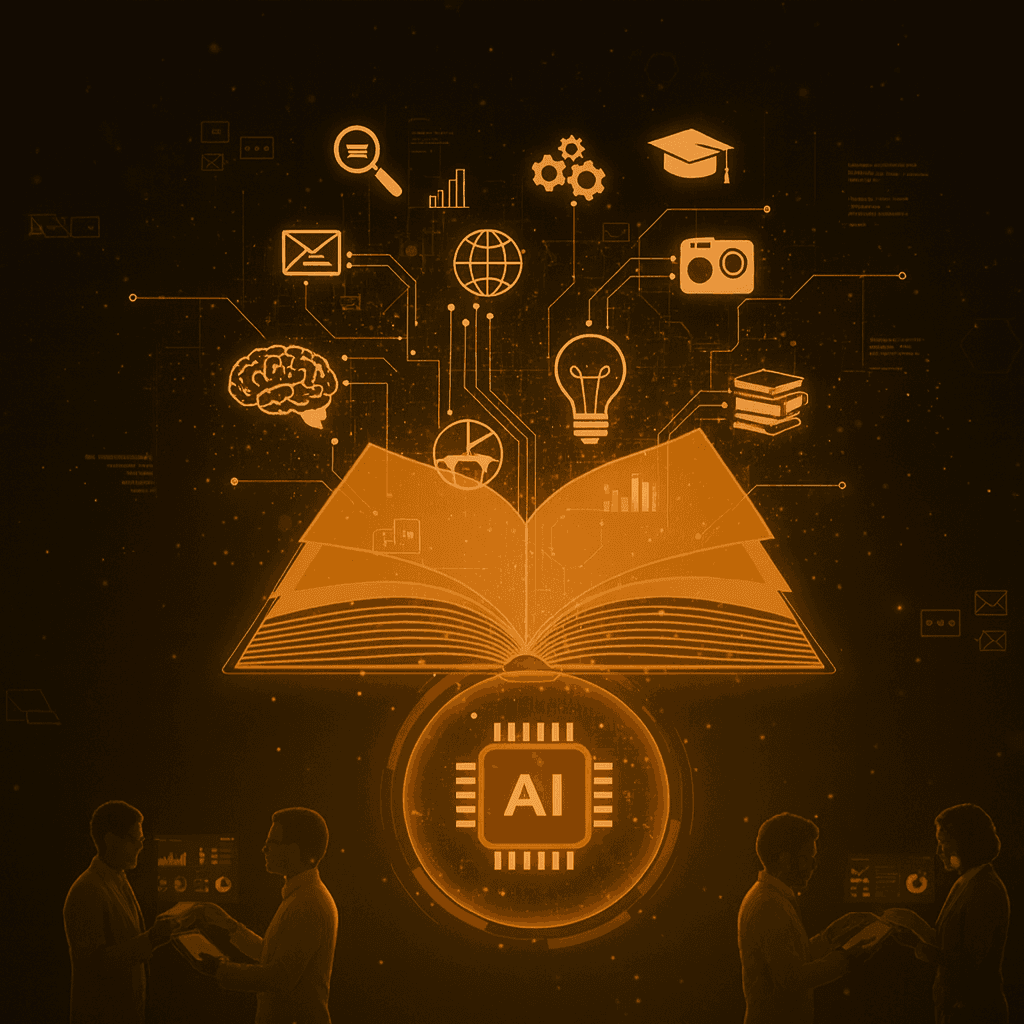
AI has quickly become one of the most powerful tools for both students and teachers. By simplifying studies, customizing teaching, and offering new ways to learn, artificial intelligence can make the school more efficient, personal, and inspiring. But how is AI concretely used in education, and how can both students and teachers maximize the benefits of the technology?
In this guide, we go through the five key areas where AI is transforming schoolwork, providing practical examples of how the tools are used today, and showing how both students and teachers can save time while making learning better.
1. Personal study help: Your own AI tutor
One of the biggest advantages of AI in school is the possibility of personalized study help. Traditionally, students have been dependent on teachers who have 25-30 students to take care of at the same time, making individual attention limited. AI is changing this.
How AI works as a study assistant
AI-based platforms can:
Explain difficult concepts in several different ways until the student understands
Adjust the difficulty level based on the student's level of knowledge
Provide endless practice tasks tailored for each student
Identify knowledge gaps and focus on what needs further practice
Answer questions anytime – no one needs to wait until the next lesson
Practical examples
Mathematics:
A student struggling with equations can ask AI: "Can you explain how to solve 2x + 5 = 15?"
AI not only provides the answer but shows step-by-step:
Subtract 5 from both sides: 2x = 10
Divide both sides by 2: x = 5
Explanation of each step and why
If the student still does not understand, they can ask for a simpler explanation or a similar example.
Science:
"Explain photosynthesis as if I were 10 years old" – AI adapts the language and uses analogies suitable for the student's age.
History:
"Summarize World War II and focus on causes and consequences" – AI provides structured information to help the student understand the context.
Tools for personal study help
ChatGPT – Universal AI assistant for all subjects
Khan Academy Khanmigo – AI tutor integrated in Khan Academy
Quizlet AI – Create personal flashcards and quizzes
Socratic by Google – Take a photo of math problems and get step-by-step solutions
Important to remember: AI is a complement to teachers, not a replacement. Students should use AI to understand concepts, not just copy answers.
2. Writing help and language learning
Writing is one of the most fundamental skills in school, but also one of the most challenging for many students. AI has revolutionized how we can learn to write better.
AI as a writing assistant
For essays and reports:
AI can assist with:
Brainstorming and ideas – "Give me 5 arguments for sustainable development"
Structure and outline – Create an outline for an essay
Drafts – Generate a first draft that the student can then edit and make their own
Language check – Grammar, spelling, and phrasing
Citing and sources – Help format references correctly
Practical example:
A student is going to write an argumentative text about climate change.
Step 1: "Help me brainstorm arguments for why we need to act against climate change"
AI provides 10 arguments to choose from
Step 2: "Create an outline for a 3-page essay on this"
AI creates introduction, three main sections, conclusion
Step 3: The student writes themselves with AI as a sounding board
When the student gets stuck: "How can I express this more clearly?"
Step 4: "Review my text and give suggestions for improvements"
AI gives constructive feedback on structure, argumentation, language
Result: The student learns to write better through the process, not by copying AI text.
Language learning with AI
For English, Spanish, French, etc.:
AI is a perfect language partner because it:
Never gets tired of repeating
Can converse at any level
Provides immediate feedback on pronunciation and grammar
Translates and explains in real-time
Practical exercises:
Conversation training: Chat with AI in the target language
Translation: "Translate this sentence and explain the grammar"
Vocabulary development: "Give me 10 synonyms for 'happy' with examples"
Writing exercises: "Correct my text and explain my mistakes"
Tools for writing and language
Grammarly – Advanced grammar and writing help
ChatGPT – Text generation and language training
Duolingo Max – Language learning with AI tutor
QuillBot – Paraphrasing and text improvement
Important discussion: Cheat or learning tool?
Cheating is:
Letting AI write the entire essay and submitting it as one's own
Copying AI text without understanding the content
Using AI to bypass the learning process
Legitimate use is:
Using AI to better understand the subject
Asking for feedback and improvement suggestions
Getting help with structure and ideas, but writing oneself
Using AI as a study partner and sounding board
Teachers must: Teach students how to use AI ethically and effectively as a learning tool.
3. Time management and organization
One of the biggest challenges for students is to keep track of deadlines, plan studies, and organize their work. AI can be the personal assistant everyone needs.
AI for study schedules
What AI can do:
Analyze all your deadlines and tasks
Create a realistic study plan
Break down large projects into smaller components
Remind about upcoming deadlines
Adjust planning when something changes
Practical example:
A student has:
Math test in 2 weeks
History report in 3 weeks
Presentation in Swedish in 10 days
Ongoing homework every day
AI can create a weekly plan:
Monday-Wednesday: 30 min math per day
Thursday-Friday: Work on the Swedish presentation
Weekend: Research for the history report
Continuous: 15 min homework every evening
Focus and productivity
AI tools can also:
Pomodoro timers with AI coaching – "You have studied well for 25 min, take a 5 min break"
Distraction blockers – Identify when you lose focus
Motivation boosts – Reminders and encouragement
Tools for planning
Notion AI – Smart notes and planning
Motion – AI-driven calendar and scheduling
Todoist – Task management with AI suggestions
MyStudyLife – Specialized in study planning
Tips for students: Spend 10 minutes every Sunday evening letting AI help you plan the coming week. It saves hours of stress and chaos later!
4. Teachers' perspective: Saving time on administration
Teachers spend a great deal of time on administrative tasks that are not directly related to teaching. AI can dramatically reduce this burden.
Automatic grading and feedback
What AI can do for teachers:
Multiple-choice tests and quizzes:
Automatic grading (this is not new, but AI makes it smarter)
Analysis of which questions were the hardest
Identify students who need extra support
Open-ended questions and essays:
AI can give preliminary assessment
Identify common errors and misconceptions
Provide initial feedback that the teacher can then complement
Important: AI should NOT assign final grades to creative or analytical tasks, but can be an initial filter that saves the teacher's time.
Time saving: Teachers report that AI-assisted grading can save 30-50% of the time for certain types of tasks.
Lesson planning and materials
AI can help teachers:
Create lesson plans based on the curriculum
Generate practice tasks at different difficulty levels
Create quizzes and tests
Find relevant examples and case studies
Adapt materials for students with different needs
Practical example:
A teacher is going to teach about ecosystems for seventh grade.
With AI:
"Create a 45-minute lesson plan about ecosystems, adapted for seventh grade"
"Generate 10 practice questions with varying difficulty"
"Create a simple experiment for students to do"
Time saved: 2-3 hours of planning time is reduced to 30 minutes.
Differentiation and individualization
AI helps teachers to:
Create different versions of the same material for different levels
Translate materials for newly arrived students
Generate extra challenging tasks for advanced students
Create simplified materials for students needing extra support
Result: Every student receives teaching at their level without the teacher manually creating 3-4 versions of all materials.
Tools for teachers
MagicSchool AI – AI tools specifically for teachers
Education Copilot – Lesson planning and material generation
Curipod – Interactive lessons with AI
TeachFX – Analyze classroom conversations and engagement
5. Inclusion and accessibility
One of the most powerful uses of AI in schools is how it can make learning accessible to all students, regardless of their circumstances.
For students with reading and writing difficulties
AI tools can:
Text-to-speech: Read texts aloud so students can listen instead of reading
Speech-to-text: Students dictate instead of writing
Simplification: Reformulate complex text into simpler language
Visual support: Create images and diagrams to explain concepts
For newly arrived students
AI can:
Translate instructions and materials directly
Act as language support during lessons
Help the student communicate with teachers and classmates
Provide lessons in the native language alongside Swedish
Practical example:
A newly arrived student from Ukraine can:
Have homework translated into Ukrainian
Complete the assignment with AI support explaining in Ukrainian
Write the answer in Swedish with AI's help
Gradually reduce language support as Swedish improves
For students with different learning styles
AI can adapt the same content for different preferences:
Visual learners: Create diagrams, mind maps, images
Auditory learners: Generate podcasts or stories
Kinesthetic learners: Suggest practical exercises and experiments
Tools for accessibility
Speechify – Text-to-speech with natural voices
Otter.ai – Transcription of lessons in real-time
Microsoft Immersive Reader – Accessibility tools for reading
ElevenLabs – Voice generation for study materials
Ethical considerations and challenges
Risks to be aware of
Dependence on AI:
Students can become too dependent on AI and stop thinking independently. Solution: Teach students to use AI as a tool, not a crutch.
Privacy:
What data is collected about students? Solution: Choose tools that are GDPR-compliant and transparent.
Inequality:
Not all students have access to the same AI tools. Solution: Schools should provide tools so everyone has equal opportunities.
Academic honesty:
Where is the line between help and cheating? Solution: Clear guidelines and education on ethical AI use.
FAQs about AI in school
Can students use AI in exams?
It depends on the purpose of the exam. For some exams (where the focus is on process and understanding) AI may be allowed as a tool. For others (where basic knowledge is tested) it should not be used. Teachers need to reformulate assessment in the age of AI.
Will students stop learning to write if they use AI?
Not if used correctly. AI should be like a coach that helps you improve, not a substitute that does everything for you. Focus should be on understanding and improving, not copying.
Do AI tools cost a lot for schools?
Many powerful AI tools have free versions for education. ChatGPT, Google Gemini, and many edtech tools offer free or discounted plans for schools.
How do teachers learn to use AI?
Through professional development, workshops, and self-exploration. Many schools are beginning to offer AI training for teachers. The most important thing is to start experimenting!
Is AI safe for children to use?
Most established AI tools are safe, but schools and parents should:
Choose tools with strong privacy protections
Teach about safe AI use
Monitor how tools are used, especially for younger students
Conclusion: AI as a partner in learning
AI in schools is not about replacing teachers or making students lazy. It's about:
Giving each student personal attention and support
Freeing teachers' time from administration to actual teaching
Making learning more accessible for everyone, regardless of background or needs
Preparing students for the future where AI will be everywhere
Making school more fun and engaging
Schools and students that learn to use AI as a tool will have huge advantages. Those who ignore the technology risk falling behind.
Next step for students: Start experimenting with AI tools today. Use them for homework, planning, and learning – but always with critical thinking.
Next step for teachers: Explore how AI can save time on administration so you have more time for what you love – teaching and inspiring.
Date: August 2, 2025
Written by: aival.se
Read more: